Case Study · UI Restyling

High fashion energy, e-commerce clarity.

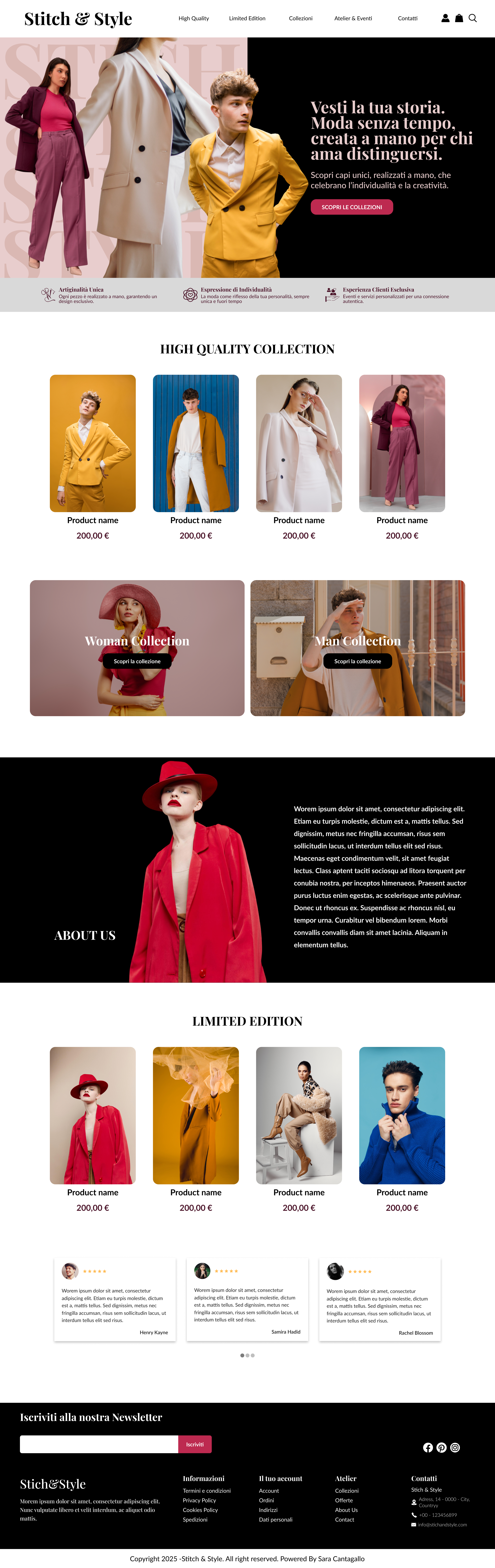
Stitch & Style is a fashion e-commerce concept where I explored an “haute couture” visual language, without sacrificing usability. The UI is expressive, but the shopping system stays familiar: clear entry points, readable product cards, and unmistakable calls to action.

Role
UI Designer
Focus
Visual system · Interaction cues · Scanability
Deliverables
Homepage (Desktop/Mobile)
View approach View prototypes

Approach

A controlled statement

This is a UI-led restyling. The goal was to inject personality and high-fashion confidence, while keeping the interface predictable for shopping intent. The framework below explains how.

Editorial typography, commercial rules.

Headlines set the mood, but functional text remains utilitarian and readable. Contrast and spacing protect scanability.

Mood without friction.

Bold sections, modular structure.

Dramatic blocks create rhythm, yet the layout stays modular. Products, categories, and editorial moments are clearly separated.

Visual rhythm + order.

Interaction cues are unmistakable.

Hover and focus states, clear button styling, and consistent patterns make actions feel obvious across devices.

Affordance first.
02 UX anchors

Why the UI still supports e-commerce

Clarity stays intact

The visual system is expressive, but the user journey remains structured. These are the elements that keep the experience conversion-friendly.

Shopping fundamentals

  • Product grid clarity: consistent cards, spacing, and price visibility.
  • Information hierarchy: category → product → price → CTA, in that order.
  • CTA visibility: primary actions read as primary, not decorative.
  • Orientation cues: clear entry points for key collections and gender sections.
Design statement High-fashion aesthetics are allowed, as long as decision points remain explicit and predictable.

Micro-interactions that guide attention

Interactions are intentionally device-specific. Desktop stays subtle and editorial, while mobile becomes more explicit and fluid, so users always understand what is clickable and what the next step is.

  • Button feedback on hover (Desktop): the primary button changes color, reinforcing the action without adding visual noise.
  • Card hover reveals intent (Desktop): product cards swap imagery, and the “View details” button appears, turning browsing into a clear next action.
  • Explicit CTAs (Mobile): the call to action is always visible, keeping the experience elegant but unmistakably shoppable.
  • Grid becomes carousel (Mobile): horizontal scrolling improves rhythm and reduces friction, making the page feel faster and more continuous.
Interaction principle Subtle discovery on desktop, clear direction on mobile. Same identity, different clarity level.
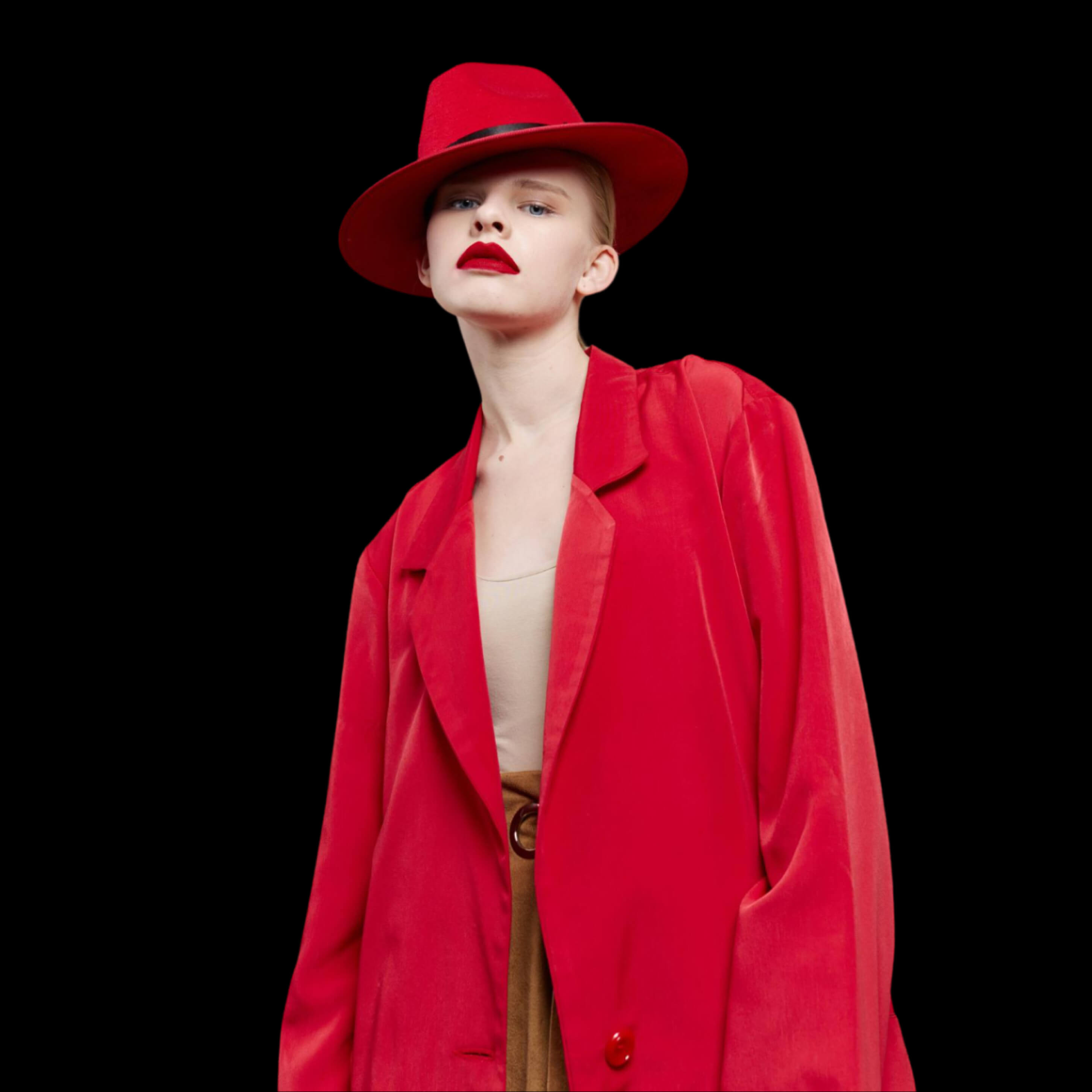
Hierarchy
Clear priorities, less ambiguity.
Scanability
Modular rhythm supports browsing.
Interaction clarity
Micro feedback improves confidence.
03 Prototypes

UI output (Desktop & Mobile)

Click to zoom

Each preview is clickable for zoom. The button opens the interactive prototype link (add your URLs).

Let’s build a system that converts.

If you want a fashion-forward interface that still feels effortless to shop, we can work together on UI systems, hierarchy, and conversion-aware interaction patterns.