Zara Home has a beautiful visual world. The imagery is strong, the mood is refined, and the brand feels instantly recognizable. But when I looked at the experience through a UX lens, one thing became clear: the aesthetic was doing most of the work, while usability and conversion were taking a step back. So in this project, I redesigned the Homepage and the Product Page, on both desktop and mobile, to make the experience feel more intuitive, more guided, and easier to act on. Based on the UX changes introduced here, this redesign could realistically support an increase in conversion rate of around 10–15%, especially by making actions more visible, reducing friction, and helping users move through the site with less hesitation.
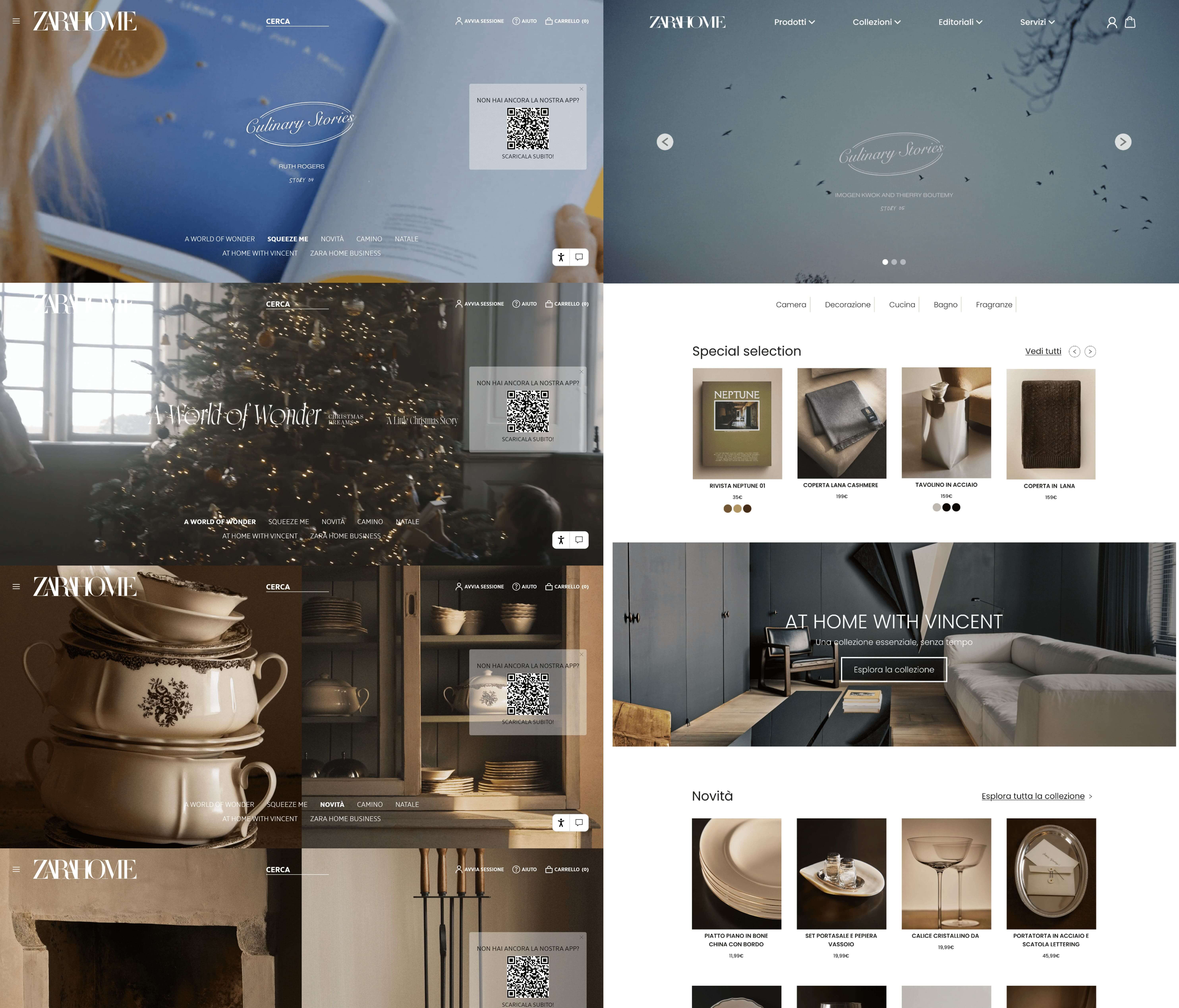
The original experience is visually strong, but it often asks users to figure things out on their own. What to click, where to look, what matters most, what comes next: those answers aren’t always clear enough. My goal wasn’t to make Zara Home feel less editorial. It was to keep that identity, while making the experience feel more usable, more legible, and more intentional from a shopping point of view. If this kind of friction is reduced, the perceived effort required to navigate the site could drop by around 30–40%, especially on pages where users need to scan quickly and make decisions with confidence.
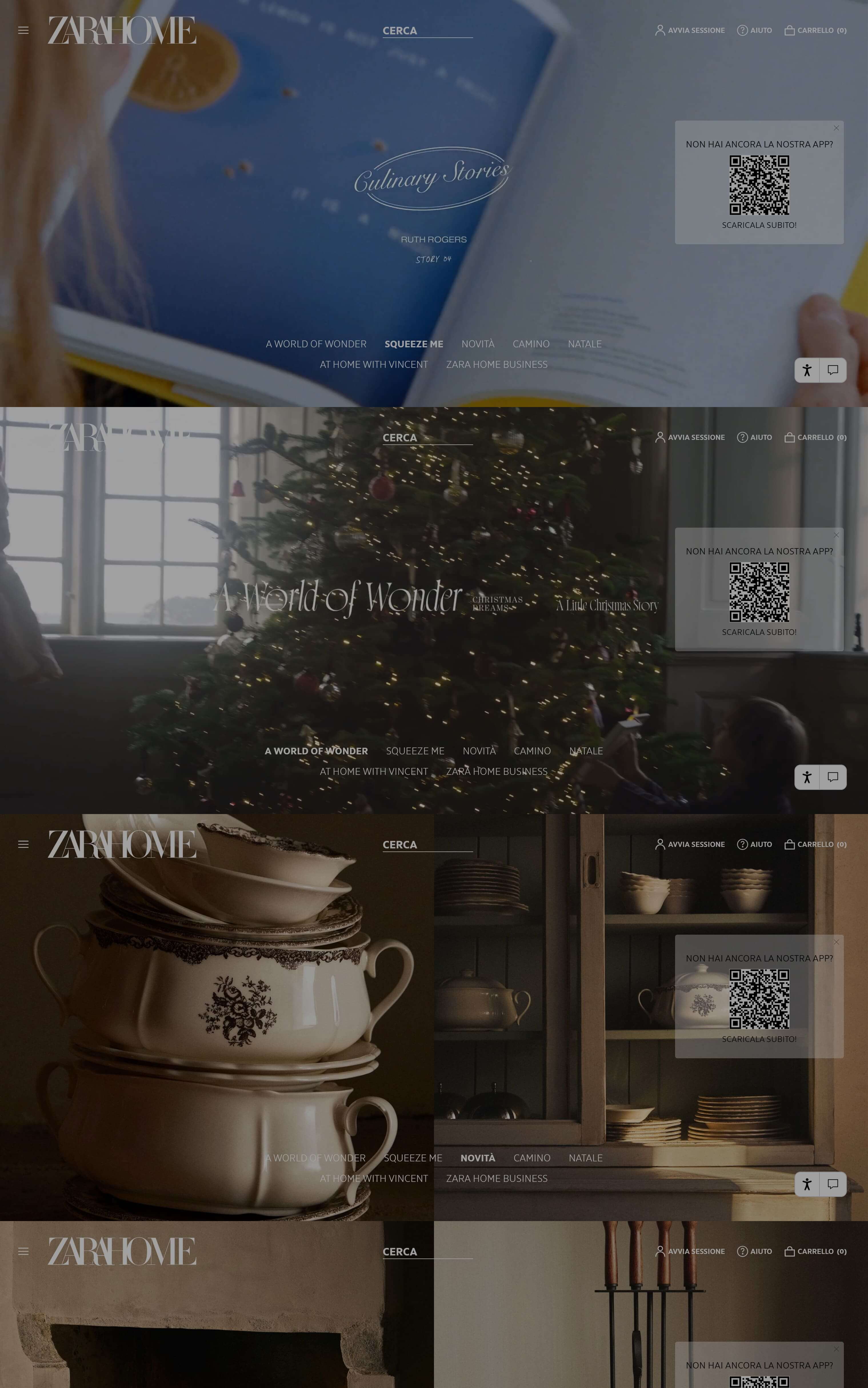
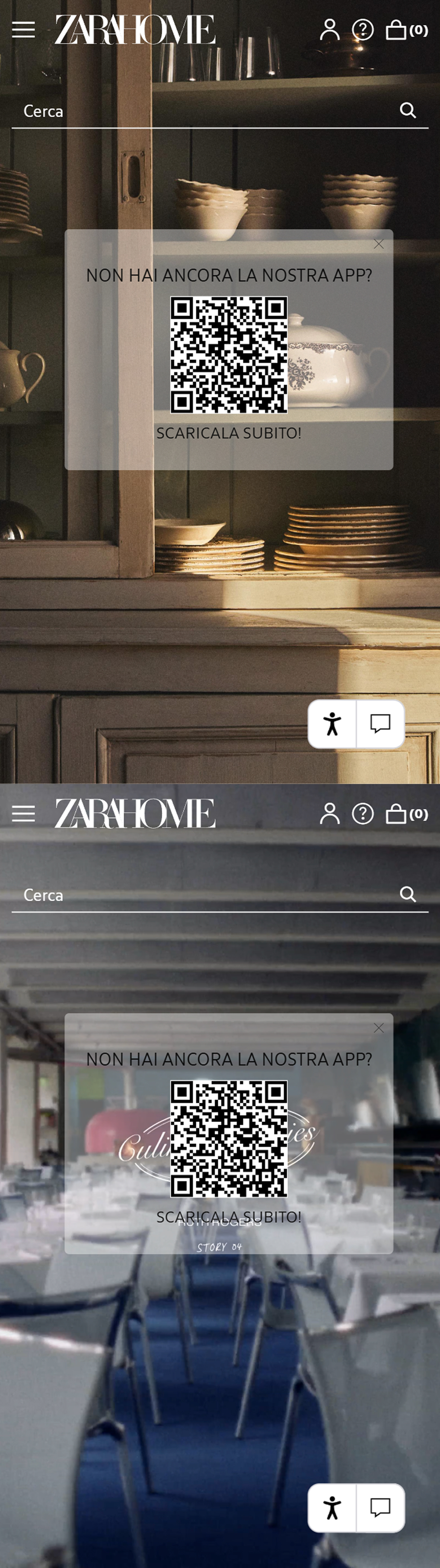
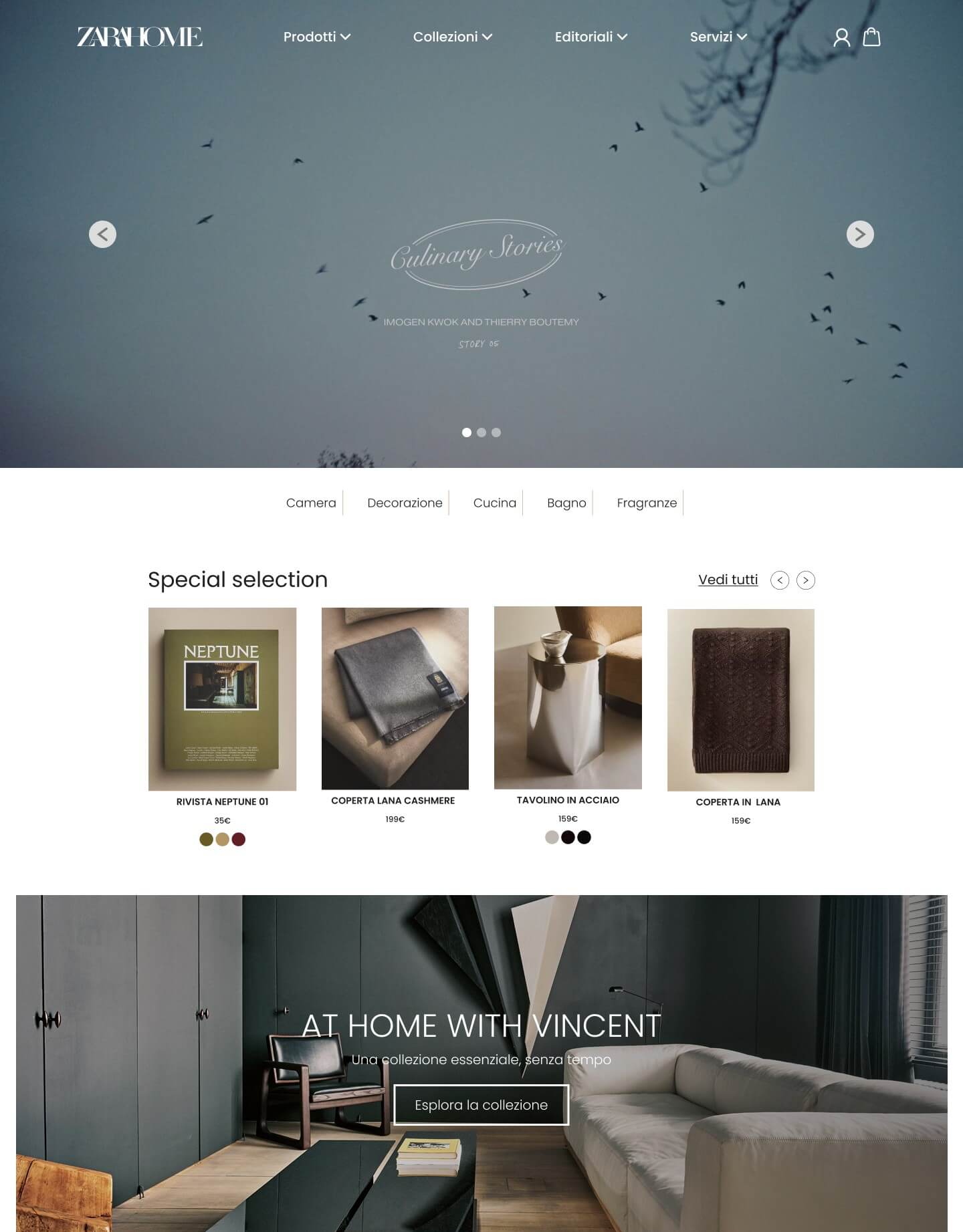
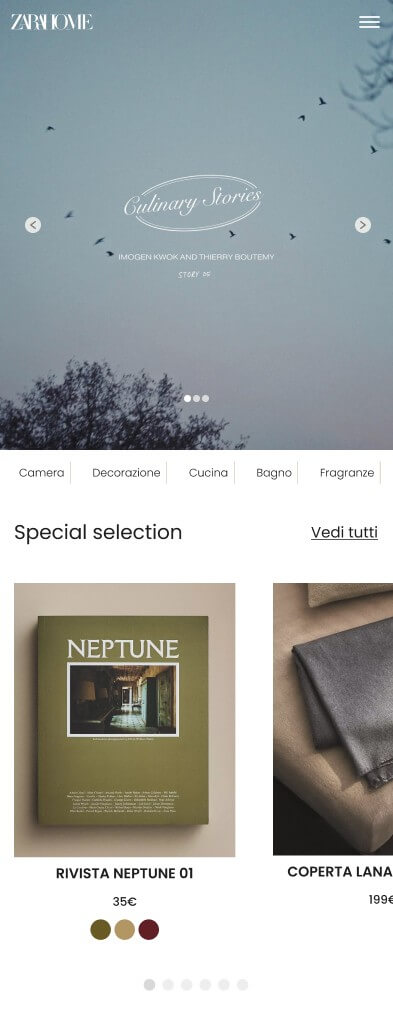
The homepage feels visually curated, but not especially guiding. It sets a mood very well, but from a UX perspective it leaves too much to interpretation: where to focus, where to click, and how to move through the page don’t feel clear enough.
These screens helped me map the friction points and define the redesign direction. Click to zoom.
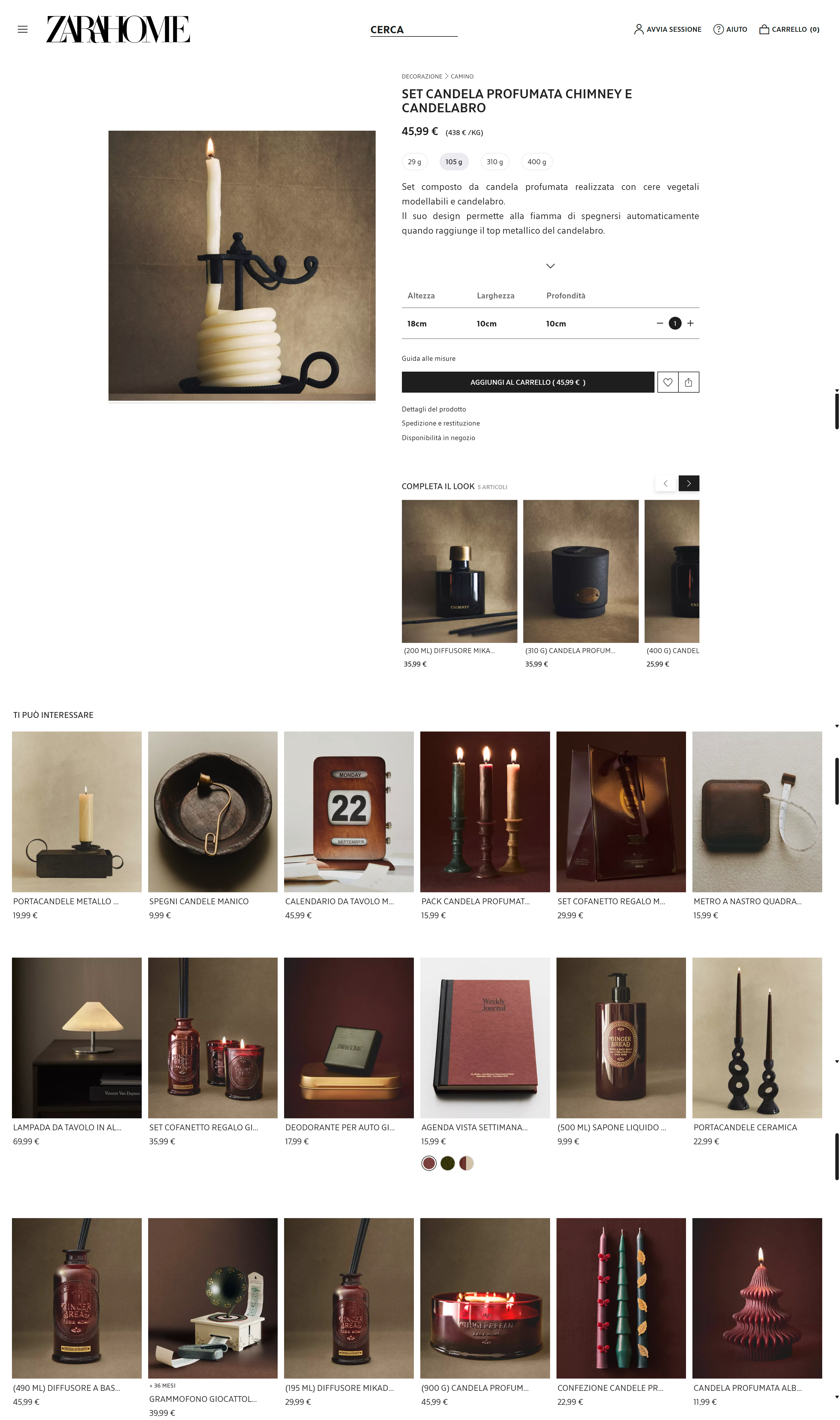
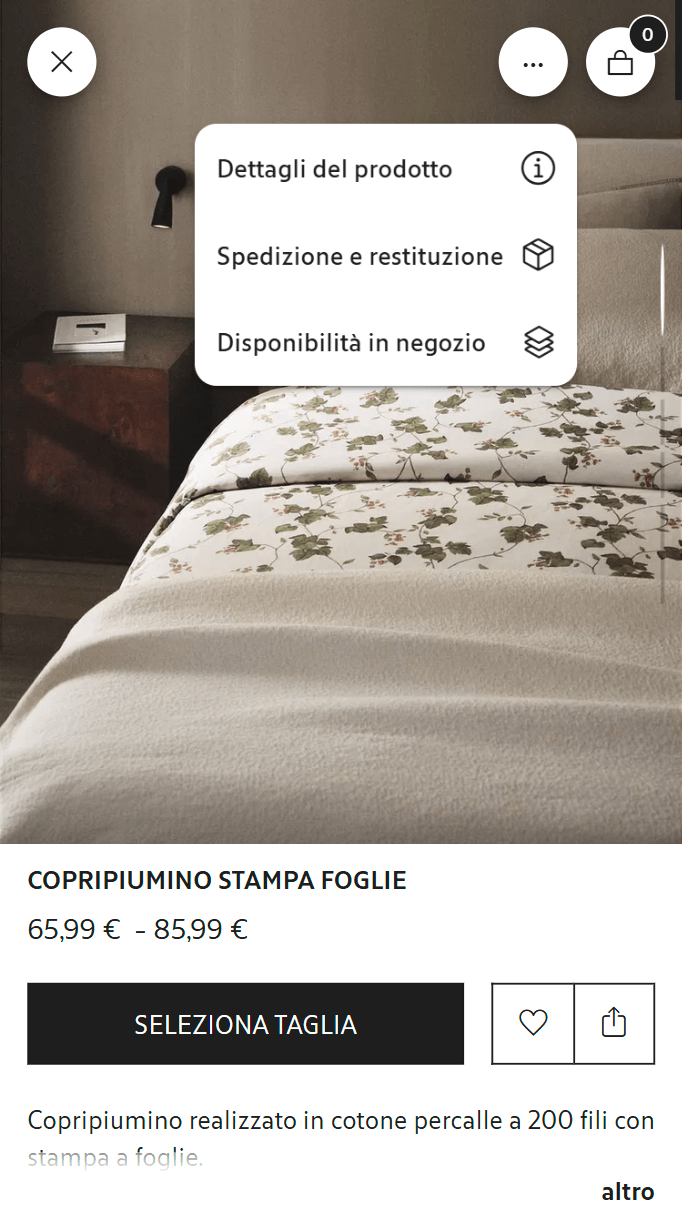
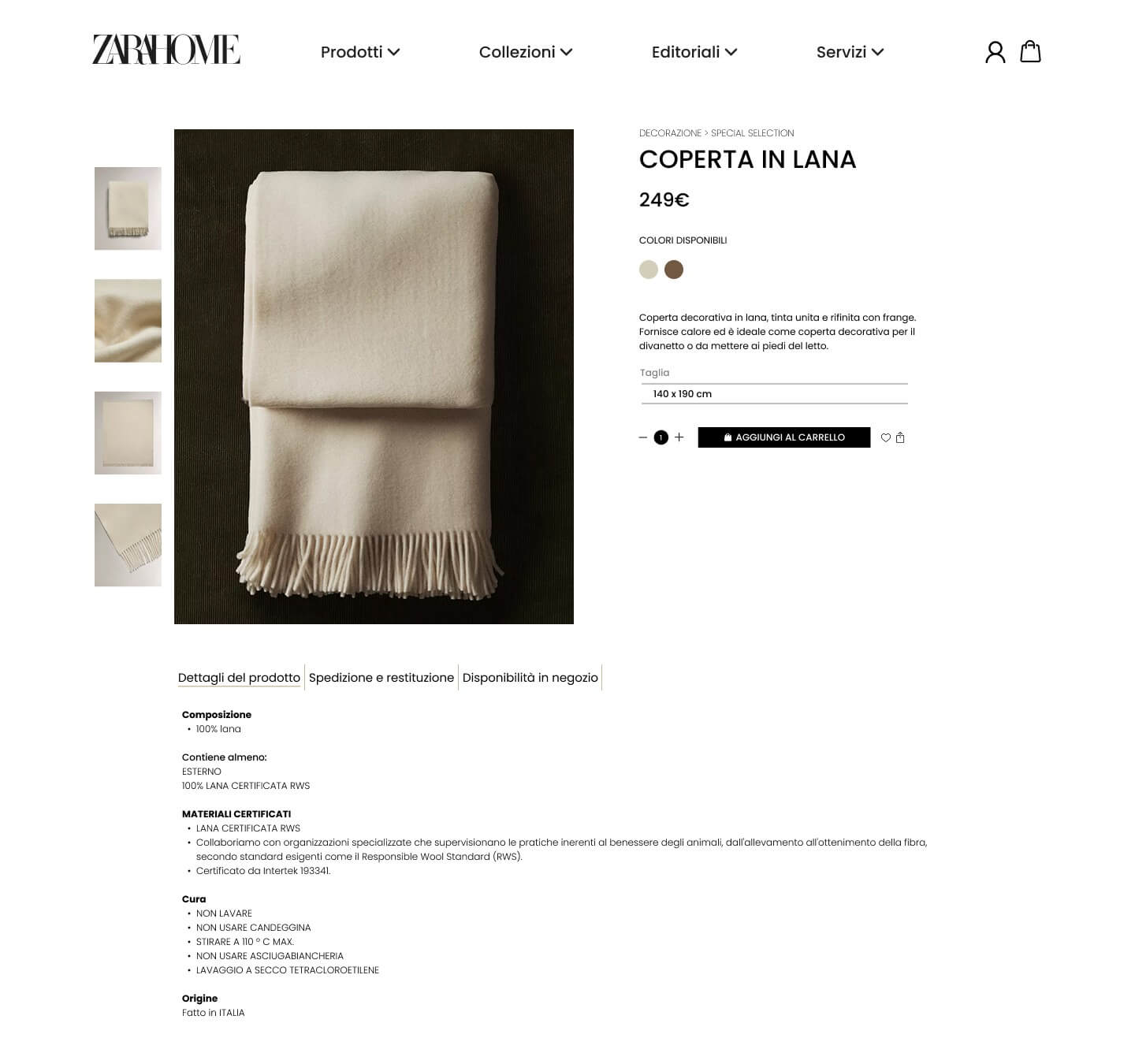
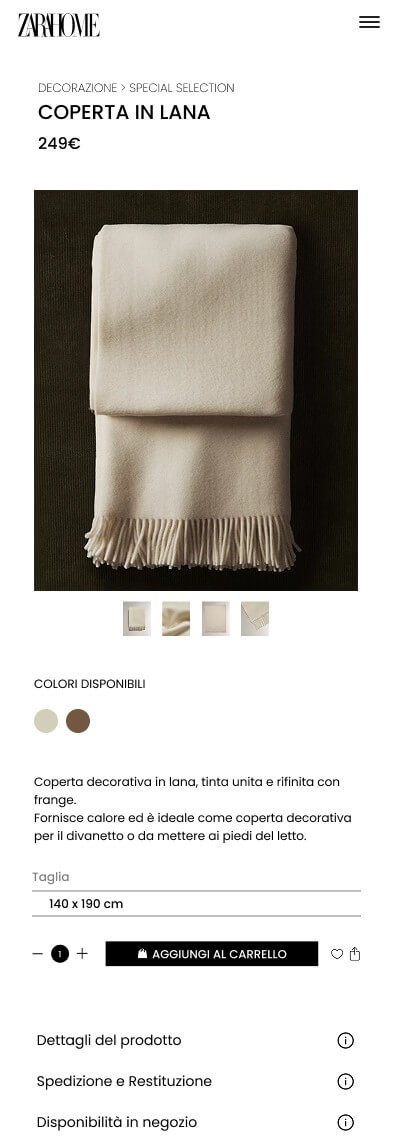
These product page screens made the main friction points more visible across both desktop and mobile. Click to zoom.
The product page stays visually aligned with the brand, but the purchase journey doesn’t always feel as clear as it should. The overall experience is elegant, yet some decisions and actions sit too close to each other, which makes the flow feel less immediate than it could be.
My approach was simple: keep the visual identity, but make the experience easier to read and easier to use. That meant introducing a stronger hierarchy, clearer interaction patterns, and a more deliberate flow across both desktop and mobile. The redesign is built to make the interface feel lighter cognitively, more predictable, and more action-oriented without losing the atmosphere that makes the brand feel distinctive in the first place.
AOne of the first things I wanted to improve was the sense of structure. The content itself already exists, but the navigation needs to help users understand where they are, what kind of content they’re exploring, and what to expect next. A clearer navigation model like this could improve wayfinding efficiency by around 25–35%, especially for users browsing across multiple categories or entering the site without a precise product in mind.
| Level | Item | Examples |
|---|---|---|
| Top | Products | Bedroom · Decoration · Kitchen & Dining · Bathroom · Fragrance · Kids · Clothing · Laundry |
| Top | Collections | New in · Gift ideas · Bestsellers · Seasonal |
| Top | Editorial | A World of Wonder · Culinary Stories · Lifestyle · At Home With |
| Top | Services | Zara Home Business · Personalization |
or the homepage, I wanted to keep the editorial feel without letting it get in the way of navigation. So the redesign moves toward a more modular layout, with clearer sectioning, stronger visual anchors, and entry points that feel more intentionally designed for exploration.
On the product page, the focus was on reducing friction around the buying moment. I worked on separating decisions more clearly, making the main action more visible, and organizing secondary content in a way that supports the experience instead of interrupting it.
These are the final redesigned screens for the homepage and product page. I kept the brand feel intact, but reworked the experience to make it more structured, more readable, and easier to act on. The goal wasn’t to redesign for the sake of aesthetics. It was to make the interface work harder: helping users orient themselves faster, understand options more easily, and move through the journey with less friction.
If you want to transform a “beautiful” experience into one that truly guides users, we can work together on audit, strategy, and redesign.